
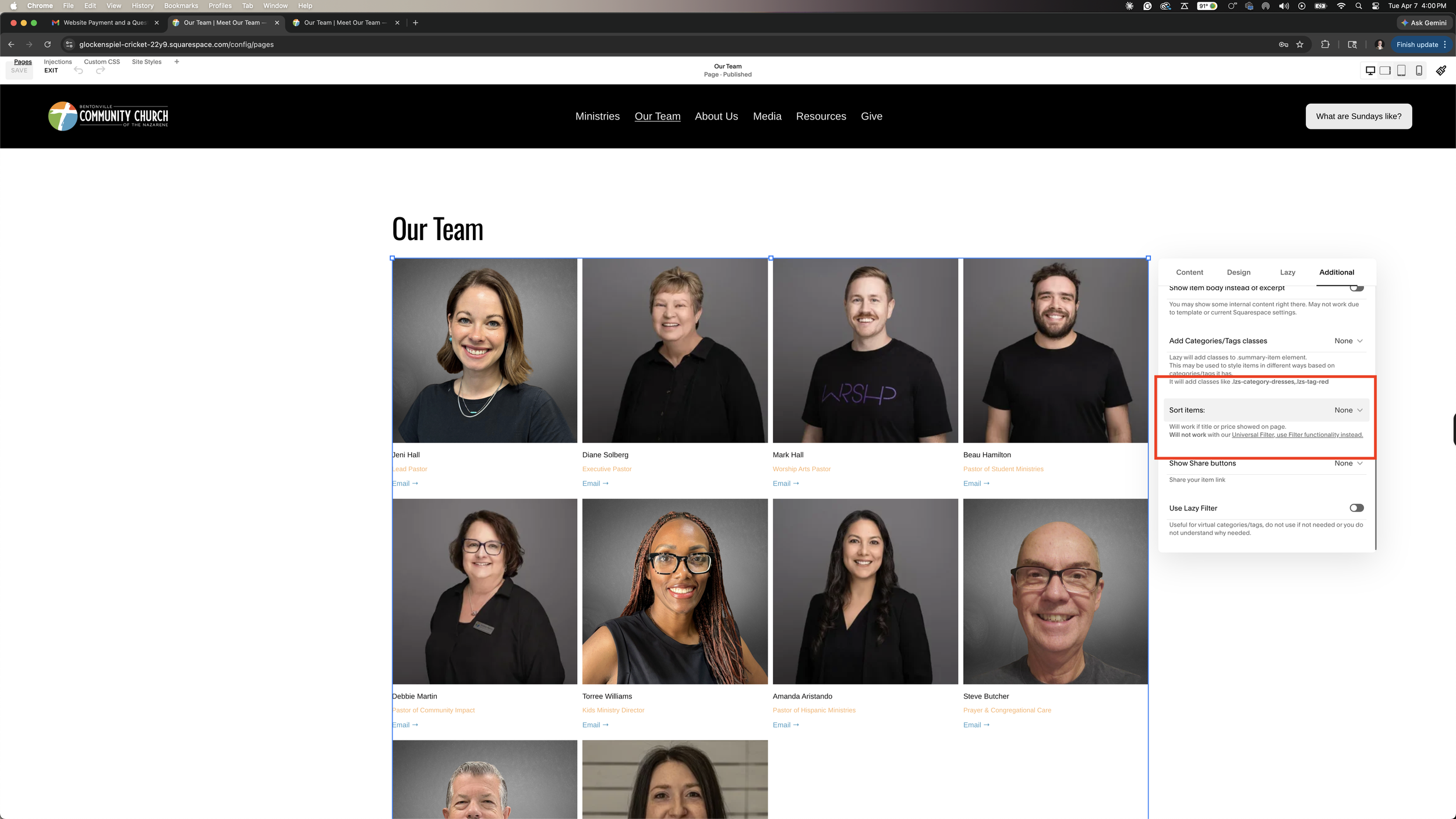
I have set the default setting for this page sorting to be “none.” This sorts the summary block based on when the “blog” entry was created. Each person in the “Our Team-Source Page” is a blog entry. To sort them in a different, non-alphabetical order, you’ll just need to go into the settings for the person and change the date that their entry was posted. This is found under the person settings, options, and then status.
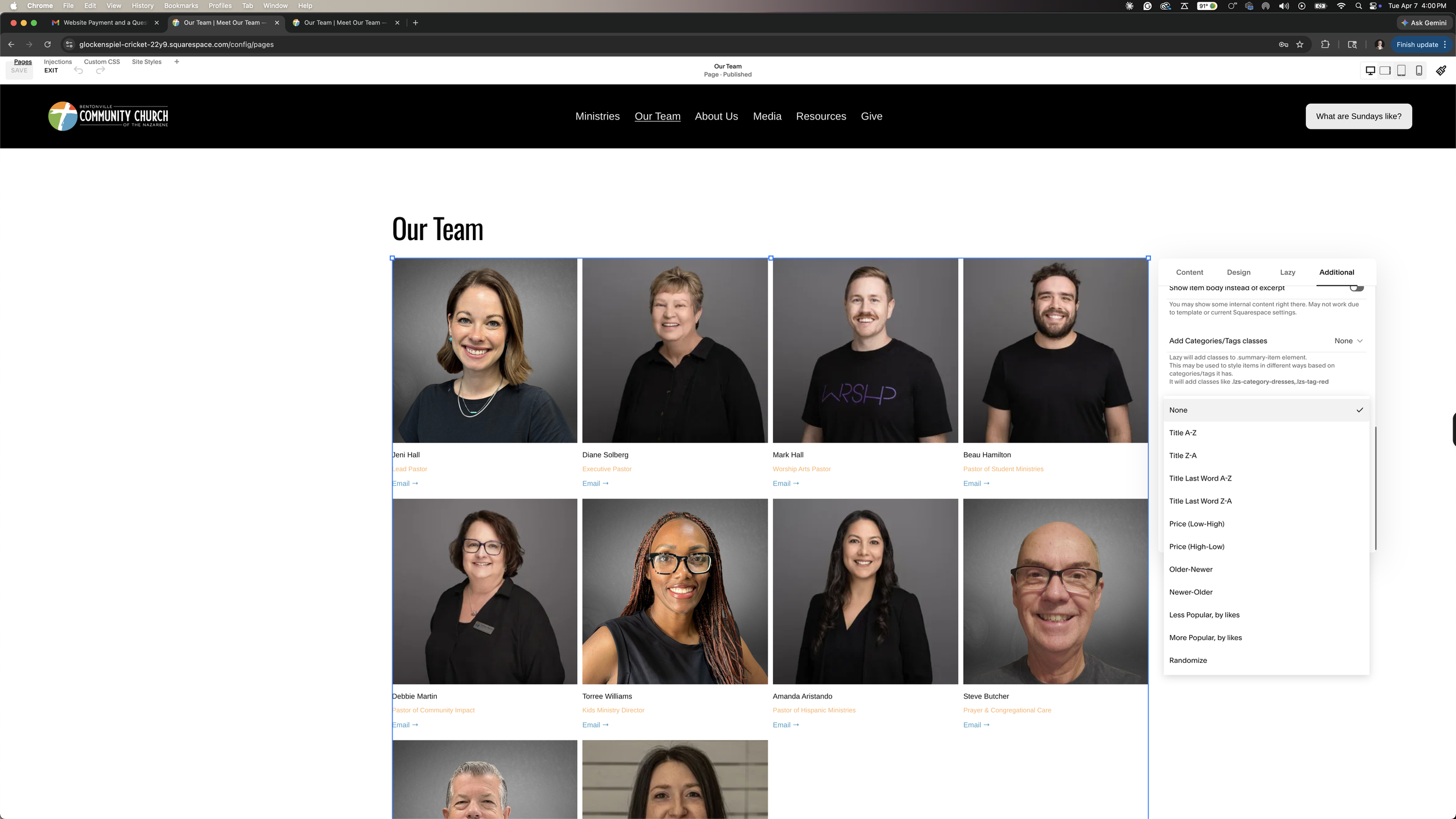
If you want to have them be alphabetically sorted, click the summary block in the “Our Team” page and go into the edit settings. Click “additional” and find “Sort Items”(this is in the red box above). Click “Title A-Z” for first name sorting and “Title Last Name A-Z” for last name sorting.